How to build scalable web apps with OpenAI's Privacy Filter
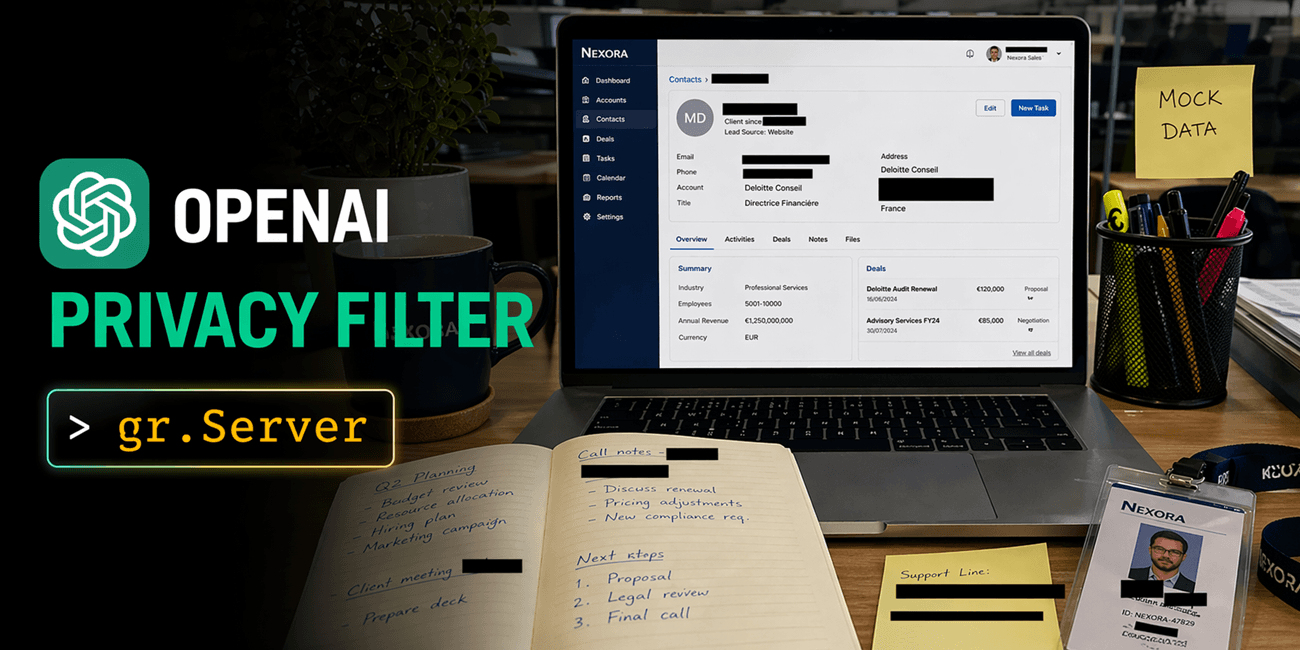
How to build scalable web apps with OpenAI's Privacy Filter - Document Privacy Explorer: drop in a PDF or DOCX, read the document back with every PII span highlighted in place. - Image Anonymizer: upload an image, get it back with redacted black bars over names, emails, and account numbers. The image is also editable on a canvas so you can make your own annotations before downloading. - SmartRedact Paste: paste sensitive text, share a public URL that serves the redacted version, keep a private reveal link for yourself. All three are built on gradio.Server, which lets you pair custom HTML/JS frontends with Gradio's queueing, ZeroGPU allocation, and gradio_client SDK. In all these apps, gradio.Server plays the same backend role, and that consistency is exactly what makes it really powerful. The model Privacy Filter is a 1.5B-parameter model with 50M active parameters, permissively licensed under Apache 2.0. PII categories are private_person , private_address , private_email , private_phone , private_url , private_date , account_number , secret . Context is 128,000 tokens. Achieves state-of-the-art performance on the PII-Masking-300k benchmark. Full numbers and methodology are in the official release blog. 1. Document Privacy Explorer Try it at ysharma/OPF-Document-PII-Explorer. User problem. You want to read a PII-heavy document (a contract, a resume, an exported chat log) with every detected span highlighted by category, a filter in the sidebar, and a summary dashboard up top. The reading experience should feel like a normal document, not a form. What Privacy Filter does here. The whole file goes through in a single 128k-context forward pass, so there's no chunking, no stitching, and span offsets line up directly with the rendered text. BIOES decoding keeps span boundaries clean through long ambiguous runs. What gr.Server does here. You could wire this up in Blocks with gr.HighlightedText and a sidebar, and it would work. The reading experience we wanted (serif body, category filters that toggle CSS classes client-side instead of re-running the model, a summary dashboard that doesn't force a page re-render) was easier to hand-author than to compose. gr.Server lets us serve the reader view as a single HTML file and expose the model behind one queued endpoint: import gradio as gr from fastapi.responses import HTMLResponse from gradio.data_classes import FileData server = gr.Server() @server.get("/", response_class=HTMLResponse) async def homepage(): return FRONTEND_HTML # reader view; see app.py @server.api(name="analyze_document") def analyze_document(file: FileData) -> dict: text = extract_text(file["path"]) # PyMuPDF / python-docx source_text, spans = run_privacy_filter(text) # single 128k pass return { "text": source_text, "spans": spans, # [{start, end, label}, ...] "stats": compute_stats(source_text, spans), } Note the decorator: @server.api(name="analyze_document") , not a plain @server.post . That's the piece that plugs the handler into Gradio's queue, so concurrent uploads are serialized, @spaces.GPU composes correctly on ZeroGPU, and the same endpoint is reachable from both the browser and gradio_client with no duplicated code. The browser calls it with the Gradio JS client: <script type="module"> import { Client, handle_file } from "https://cdn.jsdelivr.net/npm/@gradio/client/dist/index.min.js"; const client = await Client.connect(window.location.origin); async function uploadFile(file) { const result = await client.predict("/analyze_document",…