Build and Update Workflows with n8n's MCP Server
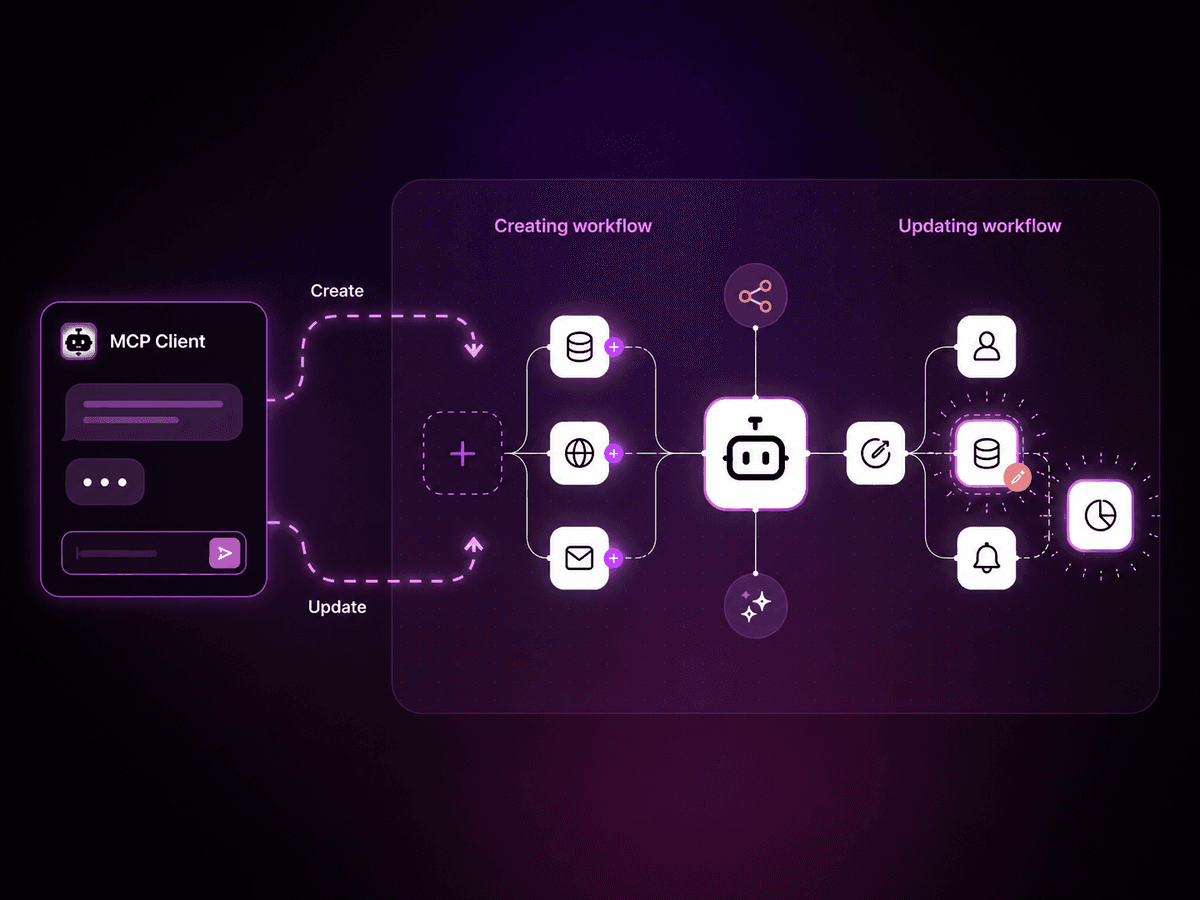
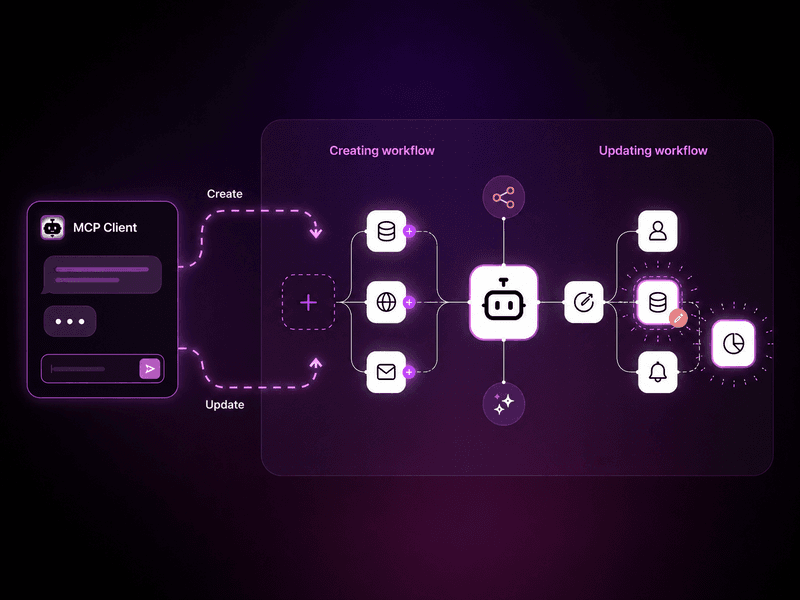
Describe what you want from Claude, ChatGPT, or your IDE, and get a ready-to-run workflow in a few minutes, built directly in n8n. No more copy-paste, no more back-and-forth. n8n's MCP server can now build workflows from a prompt (and not just run them)! The MCP server has been around for a few months, but previously you could only execute existing workflows. Now you can build new ones from scratch and update existing ones, directly in your n8n instance. - Go from prompt to a ready-to-run workflow. Tell your AI client what you want. It builds the workflow, validates it, runs it, and fixes itself if something breaks. No messing with JSON files or copy-pasting errors. - Works in whatever AI client you already use. Claude, ChatGPT, Cursor, Windsurf - if it “speaks” MCP, you can point it at n8n. No new tool to learn, no context-switching. - First-party, native, and available to all. Built into every edition of n8n: Cloud, Enterprise, and the free self-hosted Community Edition. Maintained by n8n, no third-party service to run alongside your instance. It's been in public preview for the past few weeks and the n8n team already uses it daily. We can't wait for you to try it out. Note: This article is about the MCP server built into n8n, not the MCP Server Trigger node. The former lets external AI clients connect to your entire instance. The latter exposes a single workflow as an MCP server. Using it: a real example Here’s what it looks like end-to-end, with a simple workflow I built to test it out, using Claude Desktop (Chat) and Opus 4.6. Just tell it what you want it to build: "I want you to create an n8n workflow that once a day at 7am sends me an email with today's forecast. Use my gmail account to send it. I live in New York city. Put the workflow in the MCP Server testing project." After a few minutes, this is what I got back: The only thing missing, which was causing an error, was my actual email address in the Gmail node. Once I added my email address it worked, and I got this result in my email: On a side note, I later tested the same prompt with my email address included, and it worked perfectly! Once it was done, I noticed all of the email formatting is in a code node. I prefer using built-in n8n nodes and using an email template in the Gmail node. So I continued the conversation and asked for this change: "I noticed the workflow is very code heavy for all of the formatting. Update the workflow so as much as possible it does not use code but instead has a standard template that we fill with data from the weather API. I'm fine if it it's less detailed." This is where using the MCP really shines. You're iterating on the workflow using a natural back-and-forth conversation. This is the response I got…